테스트 이미지
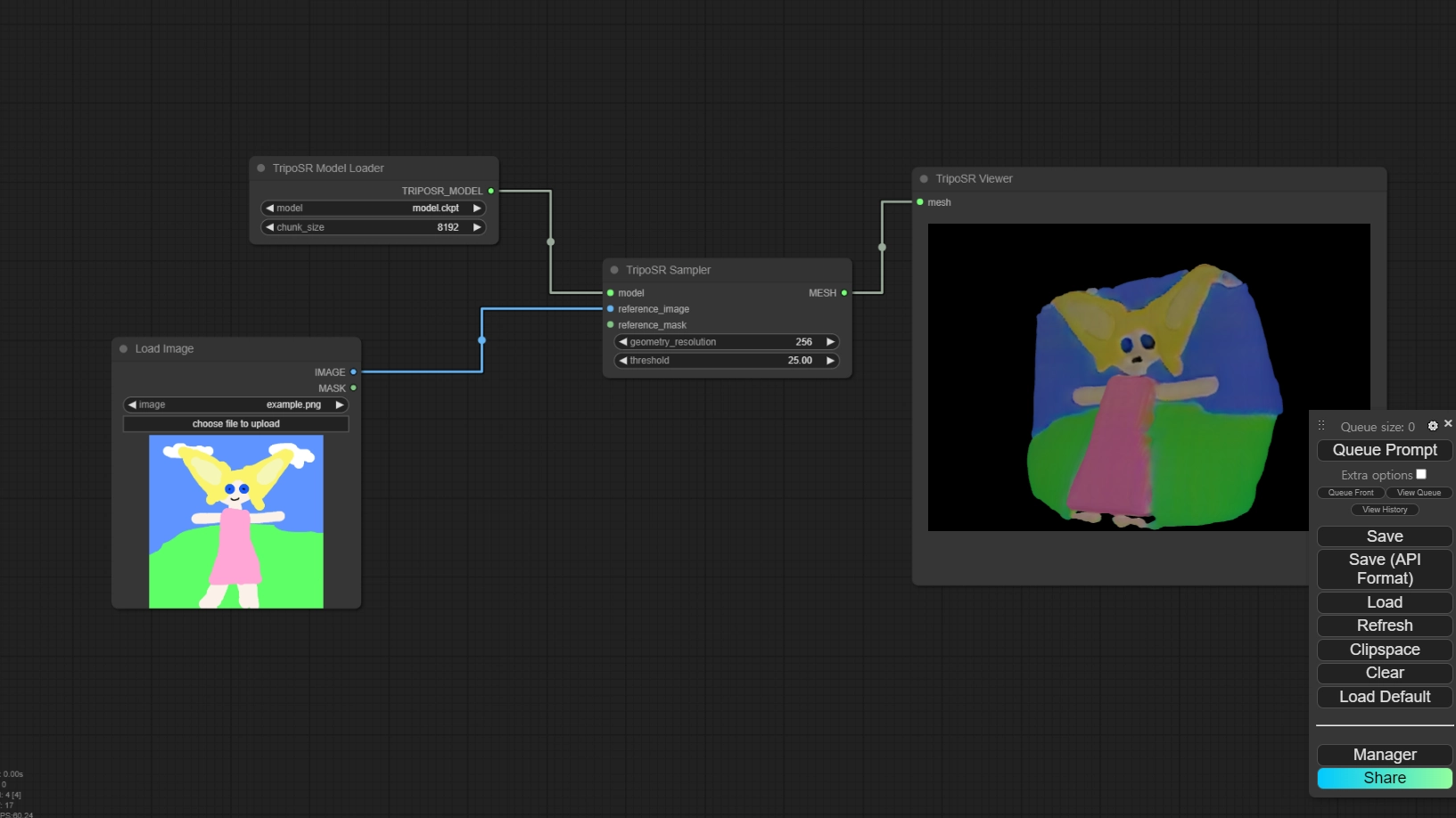
모든 워크플로우


실제 사용해야 할 리포지터리

TripoSR 모델

Comfy 배경 지우기
playground 모델



문제점 해결
처음에는 안되었었는데 TripoSR의 모델위치를 comfyUI의 checkpoints 위치로 바꾸고 리프레시 하니 그 다음에는 제대로 모델이 로드가 되었다.
하지만 지금 셋팅은 아래와 같다.
#Rename this to extra_model_paths.yaml and ComfyUI will load it
#config for a1111 ui
#all you have to do is change the base_path to where yours is installed
a111:
#base_path: path/to/stable-diffusion-webui/
base_path: C:\AiGen\stable-diffusion-webui-03\stable-diffusion-webui\
checkpoints: models/Stable-diffusion
configs: models/Stable-diffusion
vae: models/VAE
loras: |
models/Lora
models/LyCORIS
upscale_models: |
models/ESRGAN
models/RealESRGAN
models/SwinIR
embeddings: embeddings
hypernetworks: models/hypernetworks
controlnet: models/ControlNet
#config for comfyui
#your base path should be either an existing comfy install or a central folder where you store all of your models, loras, etc.
#comfyui:
# base_path: path/to/comfyui/
# checkpoints: models/checkpoints/
# clip: models/clip/
# clip_vision: models/clip_vision/
# configs: models/configs/
# controlnet: models/controlnet/
# embeddings: models/embeddings/
# loras: models/loras/
# upscale_models: models/upscale_models/
# vae: models/vae/
#other_ui:
# base_path: path/to/ui
# checkpoints: models/checkpoints
# gligen: models/gligen
# custom_nodes: path/custom_nodes
Python
복사